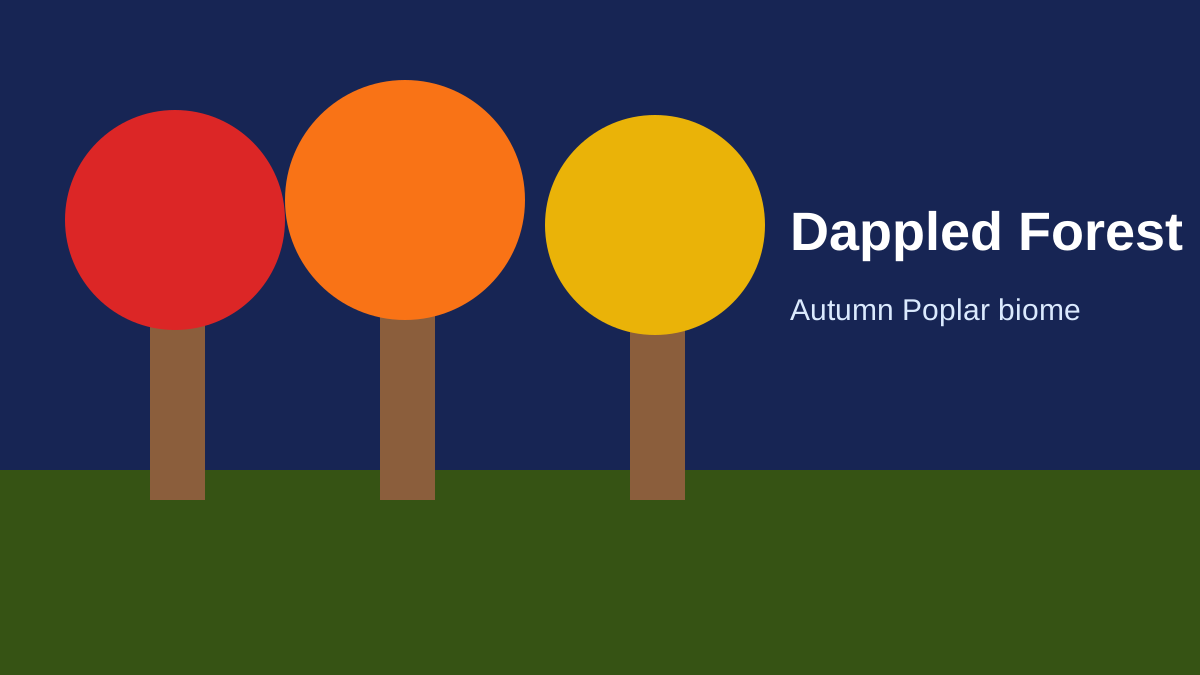
The Dappled Forest is the new autumn-themed forest biome introduced during the Minecraft 26.3 development cycle for the Wilderness Bound game drop. It is one of the update's most recognizable additions because it changes the look of the Overworld immediately: instead of a mostly green canopy, the biome uses red, orange and yellow Poplar Leaves, with matching falling-leaf particles that give the forest a permanent fall-season appearance.
The biome is more than visual decoration. It is also the main natural home for several Wilderness Bound resources. Poplar trees provide a new wood family, Shelf Mushrooms grow on standing and fallen Poplar trees, Red Shrubs appear in patches on the forest floor, and a biome-specific Abandoned Camp variant can generate inside the biome. That makes a Dappled Forest useful for builders, collectors and explorers rather than simply being a scenic place to visit once.
Verified status: rechecked October 1, 2026 against the final Java 26.3 release. The stable release confirms the Dappled Forest, its near-cold-biome placement, Poplar ecosystem, listed mob spawns and the Dappled Forest Abandoned Camp variant.
Where does the Dappled Forest generate?
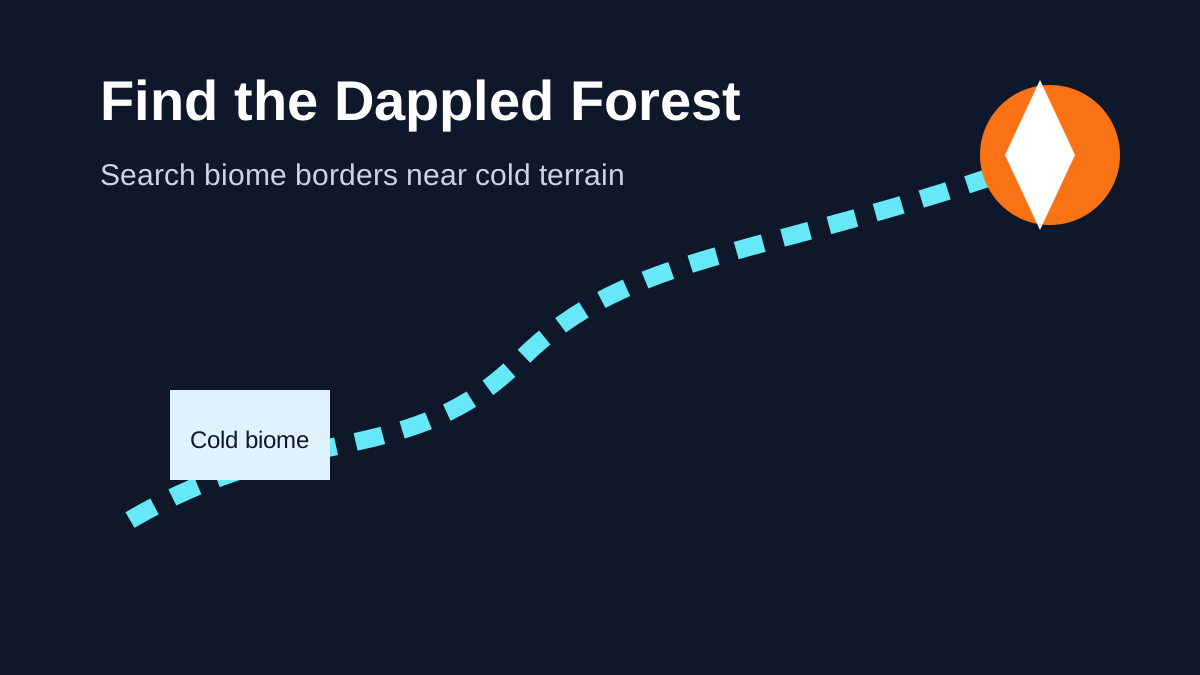
Mojang describes the Dappled Forest as a forest biome that can be found near cold biomes. That description is important because it gives players a useful exploration strategy without pretending there is a guaranteed coordinate rule. If you are searching a new world manually, moving along the borders of cold regions is more sensible than wandering randomly through hot or tropical biome groups.
The biome uses normal Overworld terrain generation rather than appearing as a structure with a fixed radius or map marker. World seed, terrain layout and edition build therefore matter. A seed or coordinate guide should still be matched to the edition and version you are playing; Java and Bedrock should not be assumed to generate every local terrain layout identically.
For a step-by-step search strategy, including what landmarks to watch for and how to confirm that you have entered the correct biome, use How to Find a Dappled Forest.
Poplar trees define the biome
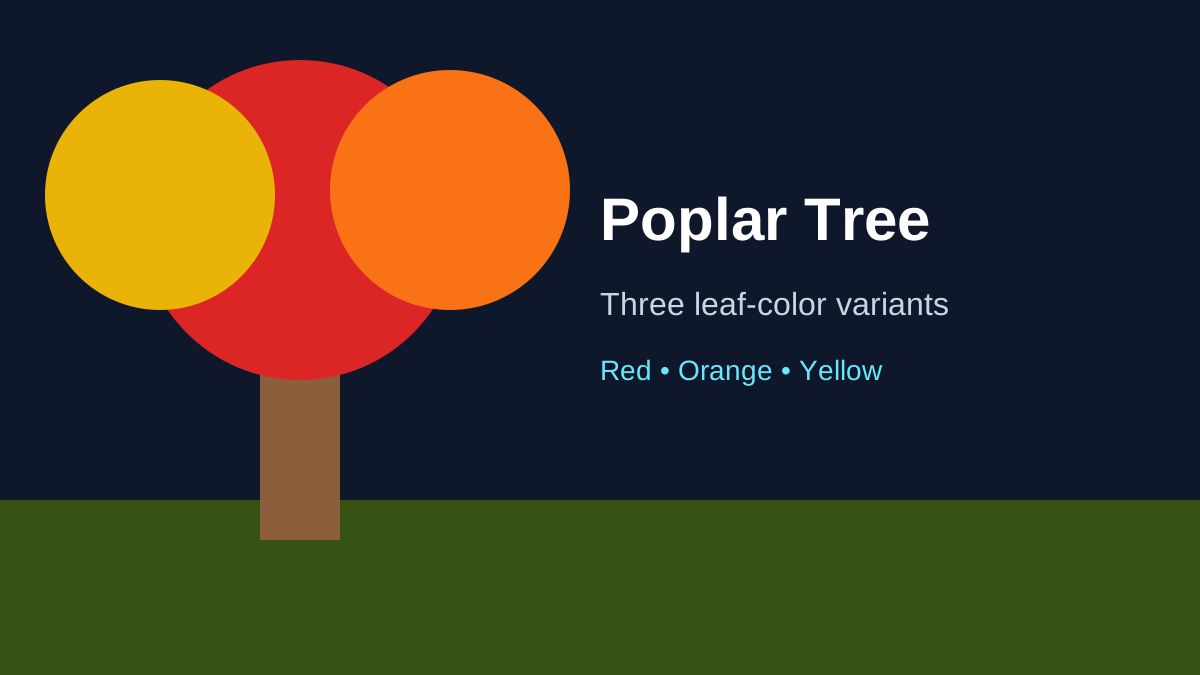
Poplar trees are the most obvious resource in the Dappled Forest. Mojang added three foliage variants:
- Red Poplar Leaves;
- Orange Poplar Leaves;
- Yellow Poplar Leaves.
Each color has matching falling-leaf particles. The trunk is made from Poplar Logs, which can be crafted into the new Poplar wood set. Poplar Leaves can drop Poplar Saplings, and a planted sapling can grow into any of the three leaf-color variants rather than permanently inheriting the color of the tree it came from.
This behavior is useful for builders because you do not need three different sapling items to maintain all three autumn colors. One renewable Poplar Sapling supply can eventually produce a mixed red, orange and yellow grove around a base.
The Poplar Tree guide covers the tree itself, while Poplar Saplings focuses on obtaining and growing new trees.
Shelf Mushrooms grow on Poplar trees
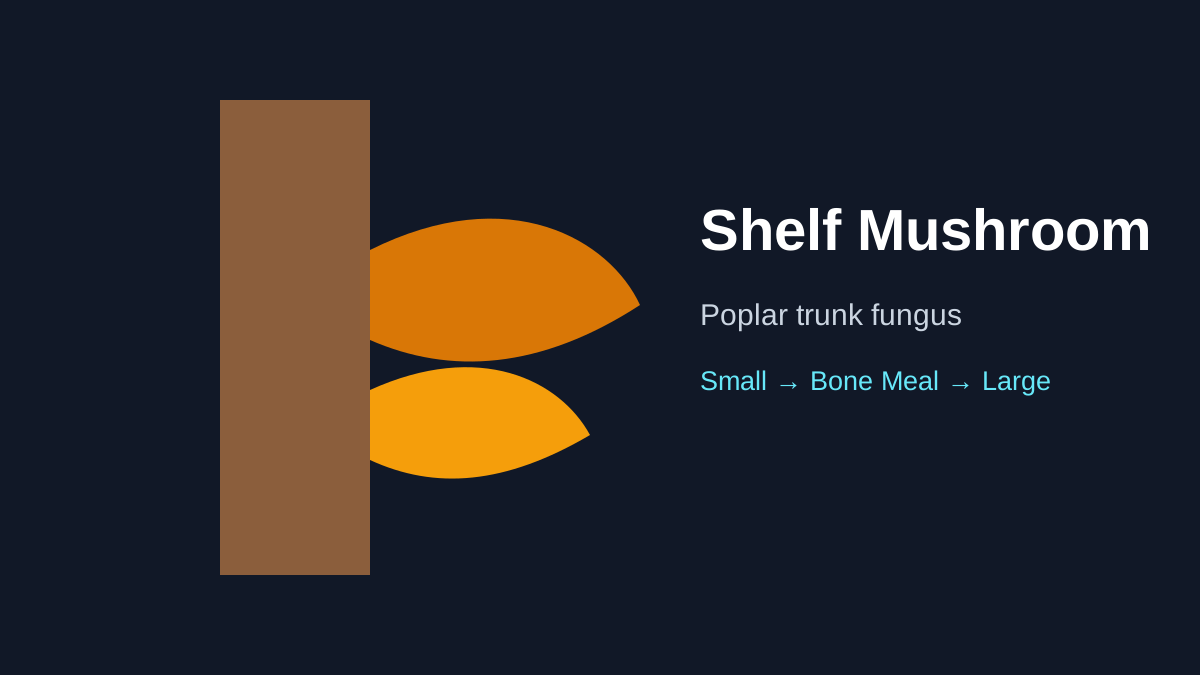
The Shelf Mushroom is another Dappled Forest feature. It naturally generates on standing Poplar trees and fallen Poplar trees and comes in small and large forms. Bone Meal can grow a small Shelf Mushroom into the large form, and breaking a large one drops two Shelf Mushroom items.
Shelf Mushrooms are not just decorative. Mojang says they can be used like other mushrooms in stews, can appear in Wandering Trader trades, and have slight bounciness when stepped on, similar to beds. Their position on trunks also gives builders a natural-looking detail for woodland structures and custom forests.
Read Minecraft Shelf Mushroom Guide for farming and practical uses.
Red Shrubs add a renewable ground plant
Red Shrubs generate in small patches throughout the Dappled Forest. They can be composted, and using Bone Meal on a Red Shrub attempts to grow another Red Shrub in a random adjacent space when a valid space is available.
That renewable spreading behavior is useful if you want to recreate the Dappled Forest palette elsewhere. Instead of stripping every shrub from a natural biome, you can collect a small starter supply and propagate it near a build.
Which mobs spawn in the Dappled Forest?
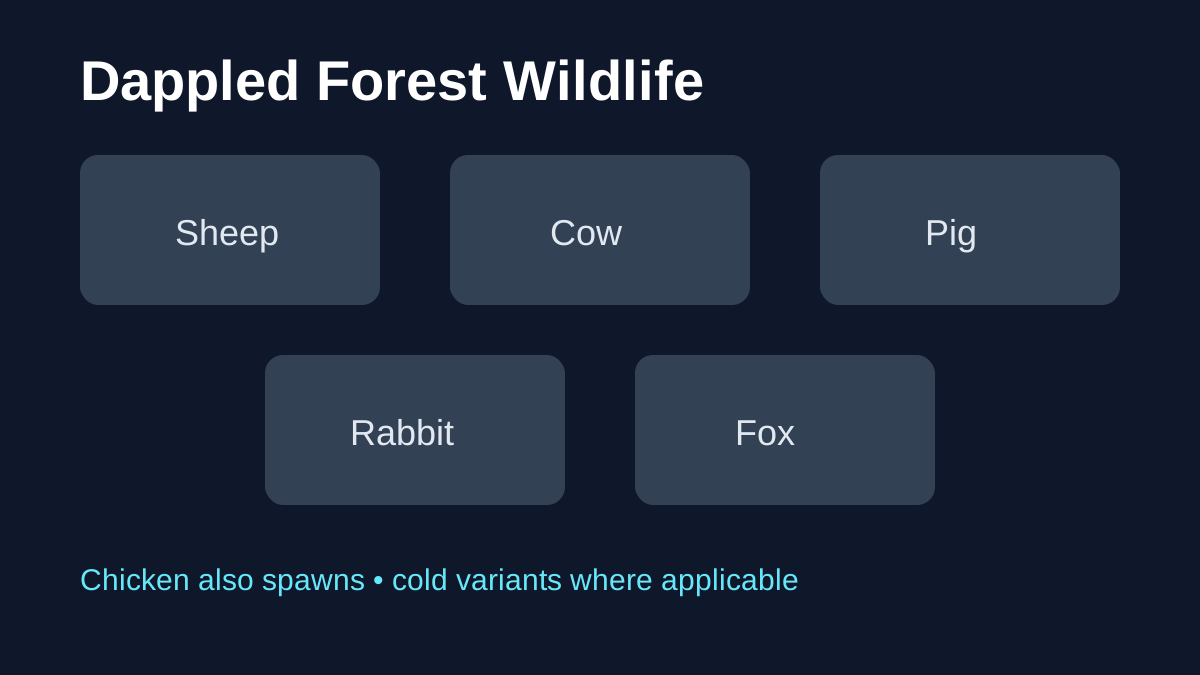
Mojang's Snapshot 1 notes list the following passive and neutral mobs for the biome, using cold variants where applicable:
- Sheep;
- Chicken;
- Cow;
- Pig;
- Rabbit;
- Fox.
This means the Dappled Forest can support ordinary survival needs such as food, wool and animal farming without requiring a player to leave immediately. The presence of rabbits and foxes also reinforces the colder-biome relationship in the world-generation design.
For a focused spawn reference, see Dappled Forest Mobs & Wildlife.
Abandoned Camps can generate here
A dedicated Dappled Forest Abandoned Camp variant is part of the biome's exploration value. Abandoned Camps are surface structures introduced in the same initial 26.3 snapshot, and each supported biome has a design adapted to that environment.
Finding a camp inside the Dappled Forest can connect several Wilderness Bound systems at once. You may encounter camp containers, camping-themed decoration and, depending on current loot behavior, Explorer Maps that point toward another destination. Later snapshots expanded those maps into a larger exploration chain.
The structure is important enough to deserve its own guide: Minecraft Abandoned Camp.
Is the Dappled Forest rare?
Mojang has not published a simple official percentage such as “one Dappled Forest per X chunks.” Any site presenting an exact rarity number without a documented source should therefore be treated cautiously. World generation is based on biome placement rules, not a fixed loot-style percentage.
For practical play, the better question is whether you are searching in terrain where the biome is eligible to appear. Start near cold biome regions, travel across biome borders, increase render distance if your hardware can handle it, and use commands only if you are comfortable with cheats or a separate testing copy of the world.
What should you collect on your first visit?
If this is your first Dappled Forest, prioritize renewable resources rather than taking only decorative blocks. A useful first-trip checklist is:
- collect Poplar Saplings so you can grow the wood family at home;
- take Shelf Mushrooms for farming and stew recipes;
- collect at least one Red Shrub for Bone Meal propagation;
- gather Poplar Logs if you want immediate access to the wood set;
- search the surrounding area for an Abandoned Camp;
- note the biome coordinates so you can return after future 26.3 changes.
This approach gives you most of the biome's long-term value without clear-cutting a large area.
Java and Bedrock notes
The Dappled Forest shipped in both the Java 26.3 and Bedrock 26.50 Wilderness Bound releases. Both final changelogs confirm the biome near cold biomes, Poplar trees and fallen Poplar trees, Shelf Mushrooms, Red Shrubs, the six listed passive/neutral mobs, and a Dappled Forest Abandoned Camp variant.
The shared feature set does not guarantee seed-level terrain parity between editions. If you are comparing coordinates, structure placement or a generation bug, always include the edition and exact version. The Java vs Bedrock guide explains the release versions and later hotfix context.
What matters
The Dappled Forest is the centerpiece biome of Wilderness Bound because it combines a strong visual identity with useful renewable resources and exploration content. The autumn Poplar canopy is what players notice first, but the real gameplay value comes from the full package: a new wood set, mushrooms, shrubs, familiar animal spawns and the chance to find an Abandoned Camp.
For most players, the best next step is practical: use the location guide to find one, then build a renewable supply of Poplar Saplings and the other plants using the stable Wilderness Bound behavior.