To find a Dappled Forest in Minecraft 26.3, start your search around cold-biome regions and look for a canopy of red, orange and yellow Poplar Leaves. The final Java 26.3 and Bedrock 26.50 notes both say the biome can be found near cold biomes, which is the most useful confirmed generation clue available to players. There is no official fixed distance from spawn and no published rarity percentage, so a good search method matters more than memorizing an invented number.
This guide focuses on survival-friendly exploration. It does not assume commands, seed viewers or external map tools, although those can be useful in a testing world.
Fastest way to find a Dappled Forest
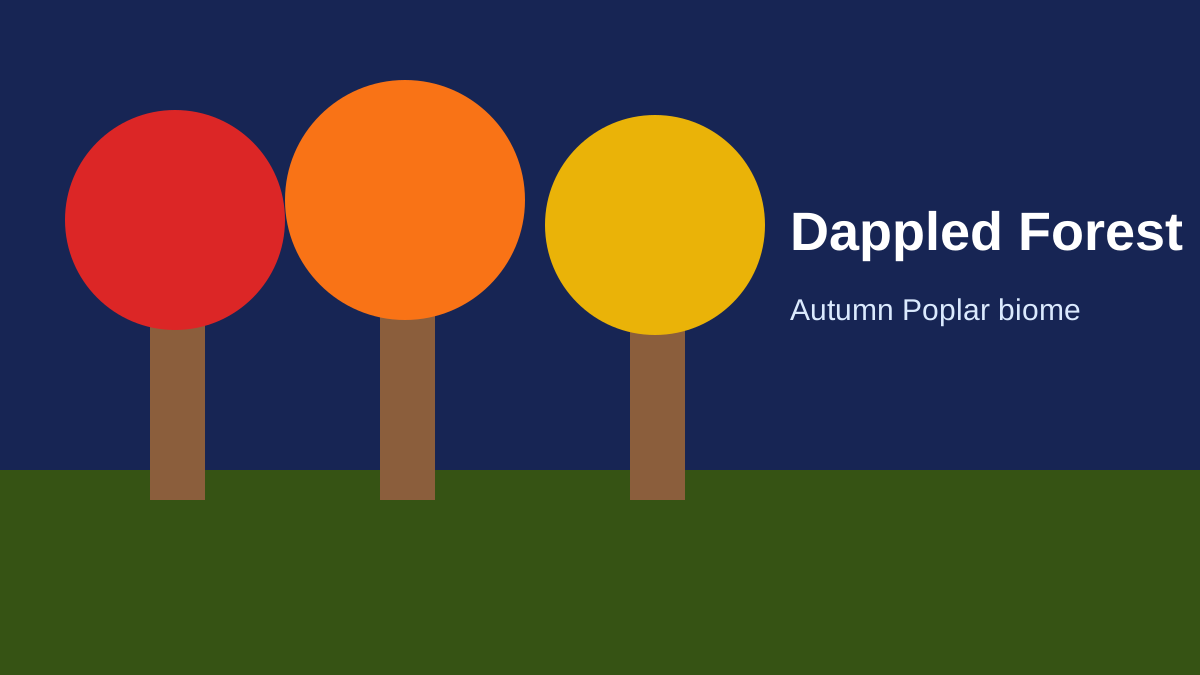
The best confirmed clue is to search around cold-biome regions and scan for the biome's red, orange and yellow Poplar canopy. There is no official fixed spawn distance or published rarity percentage, so avoid guides that promise a guaranteed number of blocks from spawn.
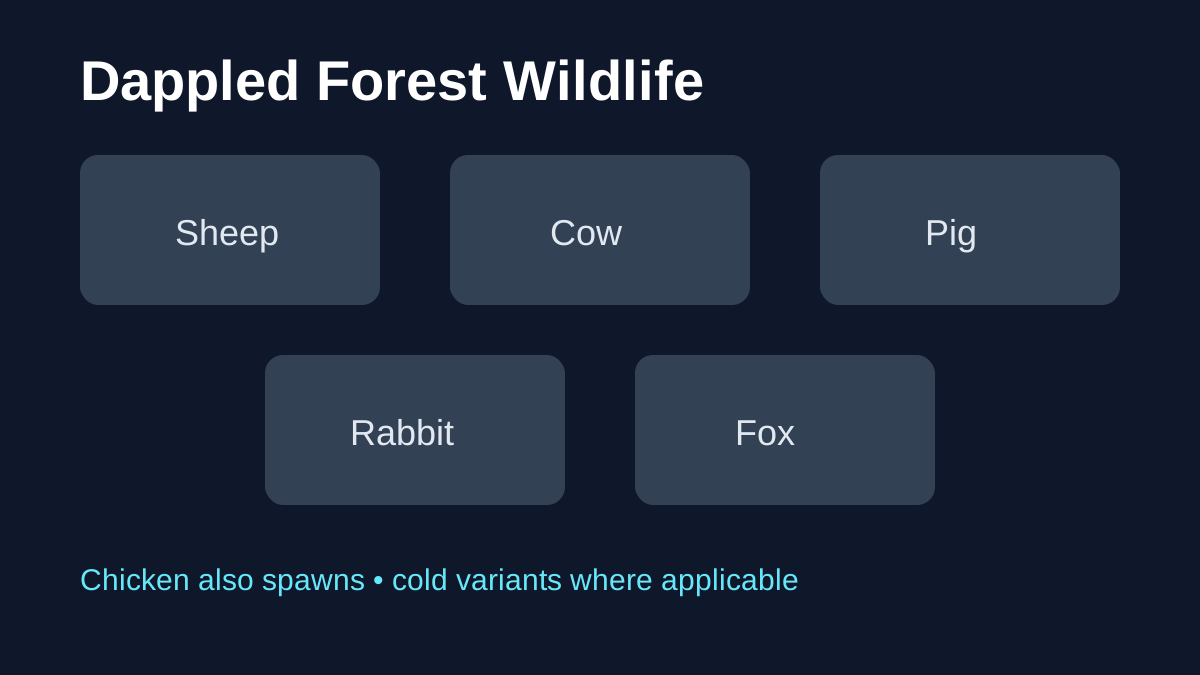
Once you see autumn-colored Poplar trees, verify the biome with its resources: Poplar trees, Shelf Mushrooms, and Red Shrubs. After locating the biome, use the Dappled Forest mobs guide to identify its documented wildlife.
Step 1: confirm you are using a build that contains the biome
The Dappled Forest is a released Wilderness Bound biome in Java 26.3 and Bedrock 26.50. If you are playing an older stable version that predates those releases, no amount of exploration will generate the biome.
Before traveling thousands of blocks, check the version shown on the title screen or launcher. Use Java 26.3 / Bedrock 26.50 or later as the stable baseline, and keep ordinary backups if the world matters to you.
Step 2: search near cold terrain
Mojang's wording is intentionally broad: the Dappled Forest can be found near cold biomes. That does not mean every snowy area has a Dappled Forest beside it, and it does not mean the biome only touches snow. It means cold-region borders are a better search target than random tropical or desert terrain.
In practical terms, travel along broad biome transitions rather than walking in a straight line through one huge biome for hours. When you locate colder terrain, explore its edges and neighboring forest regions. Rivers, ridges and open hills can be useful because they give you longer sight lines into surrounding chunks.
If you have an Elytra or can travel by horse, boat or other fast method, use speed to cover borders rather than repeatedly entering dense forest interiors where visibility is poor.
Step 3: learn the visual signature
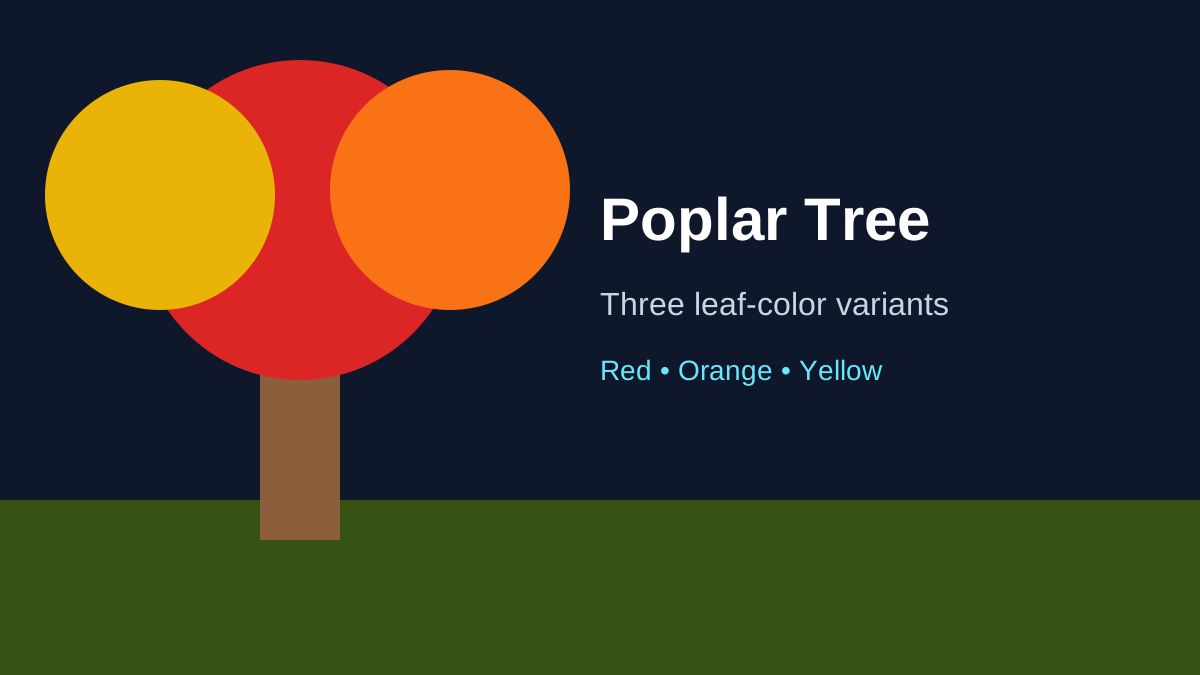
The Dappled Forest is much easier to confirm visually than many similar green forest biomes. The strongest identifiers are its Poplar trees with red, orange and yellow leaves and the matching falling-leaf particles. The forest floor can also contain Red Shrubs, while Shelf Mushrooms appear on Poplar trees and fallen Poplar trees.
Do not rely on a single orange tree at the edge of your render distance. Move into the area and check for multiple Dappled Forest features. A true biome should present the broader Poplar ecosystem rather than one isolated decorative object.
Step 4: use the biome's resources to confirm it
Once you enter the candidate area, look for several of the following:
- Poplar Logs;
- Red Poplar Leaves;
- Orange Poplar Leaves;
- Yellow Poplar Leaves;
- Shelf Mushrooms on standing or fallen trees;
- Red Shrubs in small ground patches;
- rabbits and foxes among the listed biome wildlife;
- a Dappled Forest variant of an Abandoned Camp.
You do not need to find an Abandoned Camp to prove the biome is real. Camps are structures and therefore are not guaranteed in every patch of eligible terrain. The tree and plant combination is a much more reliable visual confirmation.
Should you use commands?
If you are testing the update rather than playing a normal survival world, commands can save time. Minecraft has biome-location commands in modern Java versions, but command syntax and availability should always be checked against the exact build you are running. Commands also require appropriate permissions or cheats.
For a survival guide, the important point is that commands are optional. The biome is designed to be discoverable through ordinary Overworld exploration, and its colorful canopy provides a strong landmark once it enters render distance.
What about seed maps and online biome finders?
Third-party seed tools can be useful, but their world-generation implementation may lag behind the current game. If a website does not explicitly support Java 26.3, Bedrock 26.50 or the later version you are using, a predicted Dappled Forest coordinate may be wrong.
If you use a seed tool, verify the tool version first and treat it as a shortcut rather than an official source. Recheck important coordinates whenever you change edition/version or the tool updates its world-generation implementation.
How far should you search?
There is no official answer such as “within 2,000 blocks of spawn.” Minecraft seeds can place eligible biomes very differently. A short search in one world may find a Dappled Forest almost immediately, while another seed can require substantial travel.
A more efficient rule is to stop measuring only total distance and start measuring new biome borders explored. If you have spent a long time moving through one continuous warm region, changing direction or using Nether travel to reach a new climate zone may be more effective than continuing the same route.
Can an old world generate a Dappled Forest?
New terrain in an upgraded world can generally generate using the newer world-generation rules, while already-generated chunks normally keep their existing terrain. That means players often need to travel beyond previously explored areas to find newly added biomes.
Wilderness Bound is now released. For normal play, use stable Java 26.3 / Bedrock 26.50 or later. If you deliberately experiment with old snapshots, previews or future test builds, use a backup or separate copy of a valuable long-term world.
What to collect when you find one
A successful search is more valuable if you return with renewable items. Prioritize Poplar Saplings because they let you grow Poplar trees at home. Collect Shelf Mushrooms and at least one Red Shrub so you can reproduce the biome's plant palette. Poplar Logs are useful immediately, but saplings give you a permanent wood source.
Also write down the coordinates. The biome may be useful again when you want a natural source of plants, a scenic building location or an Abandoned Camp search area.
How to search for an Abandoned Camp after finding the biome
Dappled Forest is one of the official biomes with its own Abandoned Camp variant. Once you are inside the biome, sweep open areas and terrain transitions where a surface structure is easier to see. Do not assume every Dappled Forest contains a camp; structure placement is separate from biome identification.
If the camp is your real target, switch to How to Find an Abandoned Camp after you have confirmed the biome.
Java vs Bedrock search differences
The Dappled Forest shipped on both Java and Bedrock, but the editions still use different world-generation implementations and version numbers. A Java 26.3 seed screenshot should not automatically be treated as proof that the same coordinates work in Bedrock 26.50.
Always match edition + version + seed when comparing location reports from other players.
Quick search checklist
If you want the shortest practical plan:
- use Java 26.3 / Bedrock 26.50 or a later stable release;
- travel toward cold-biome regions;
- search their borders and nearby forests;
- scan for red, orange and yellow Poplar canopies;
- confirm Poplar Logs, Shelf Mushrooms or Red Shrubs;
- save the coordinates;
- collect renewable saplings and plants before leaving.
The Dappled Forest is visually distinctive once you are close. The hard part is reaching an eligible region, not recognizing the biome after you arrive. For everything that can be found inside it, continue with the complete Dappled Forest guide.