The Shelf Mushroom is a new mushroom block introduced with Minecraft 26.3's Dappled Forest. It naturally grows on standing Poplar trees and fallen Poplar trees, comes in small and large forms, can be enlarged with Bone Meal, can be used in stews, and has slight bounciness when stepped on. Mojang also lists Shelf Mushrooms among possible Wandering Trader trades.
Those mechanics make it more versatile than a purely decorative fungus. A builder can use it as trunk detail, a survival player can collect it for food recipes, and a landscaper can reproduce some of the Dappled Forest's natural character outside the biome.
Shelf Mushroom quick answers
Where does it spawn? Shelf Mushrooms generate on Poplar trees and fallen Poplar trees in the Dappled Forest.
Can it grow? Bone Meal can grow a small Shelf Mushroom into its large form.
What does the large form drop? A large Shelf Mushroom drops two Shelf Mushroom items when broken.
Is there another source? Shelf Mushrooms can appear in Wandering Trader trades.
For the biome and tree context, see Dappled Forest and Minecraft Poplar Tree.
Where do Shelf Mushrooms generate?
Shelf Mushrooms naturally generate in the Dappled Forest, attached to Poplar trees and fallen Poplar trees. If you are searching manually, inspect trunks rather than only scanning the forest floor. Fallen trees are especially worth checking because the mushrooms can appear on those forms too.
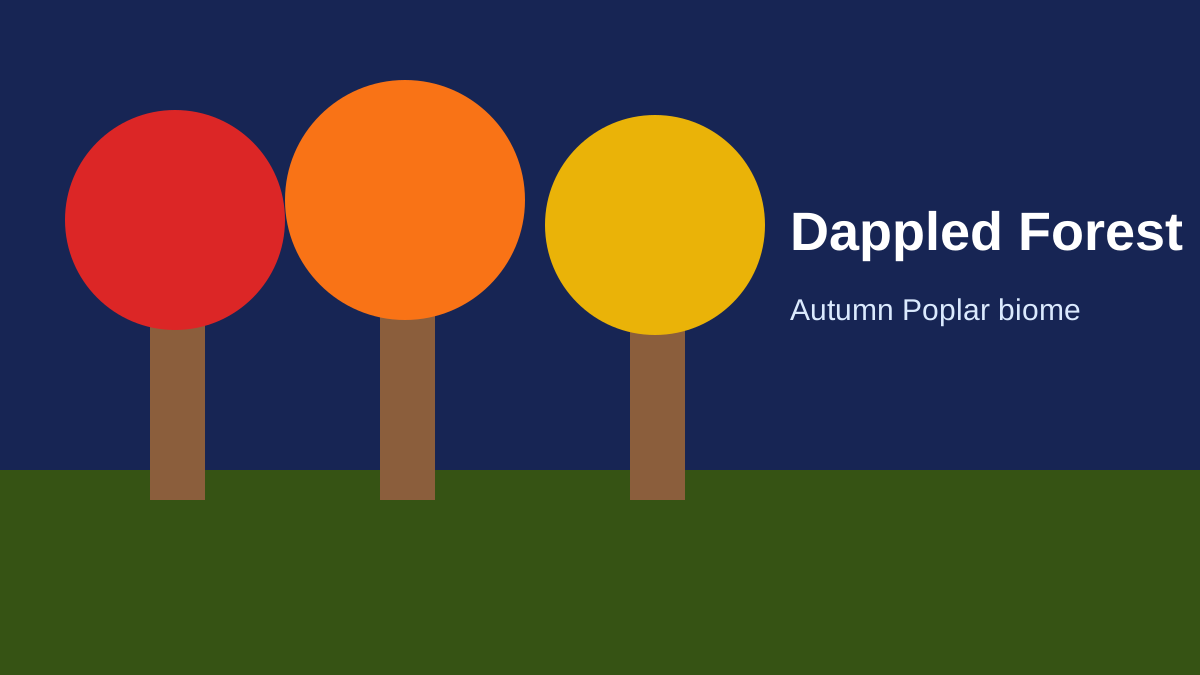
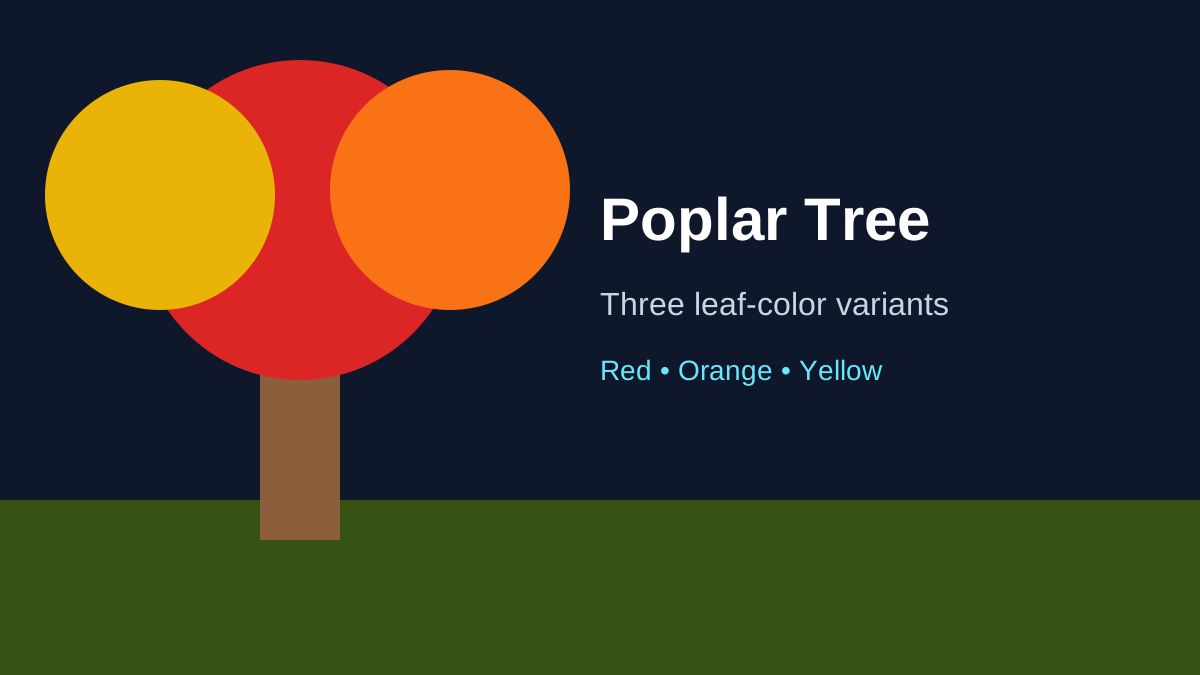
The Dappled Forest itself is found near cold biomes and is easy to recognize by red, orange and yellow Poplar foliage.
Small and large Shelf Mushrooms
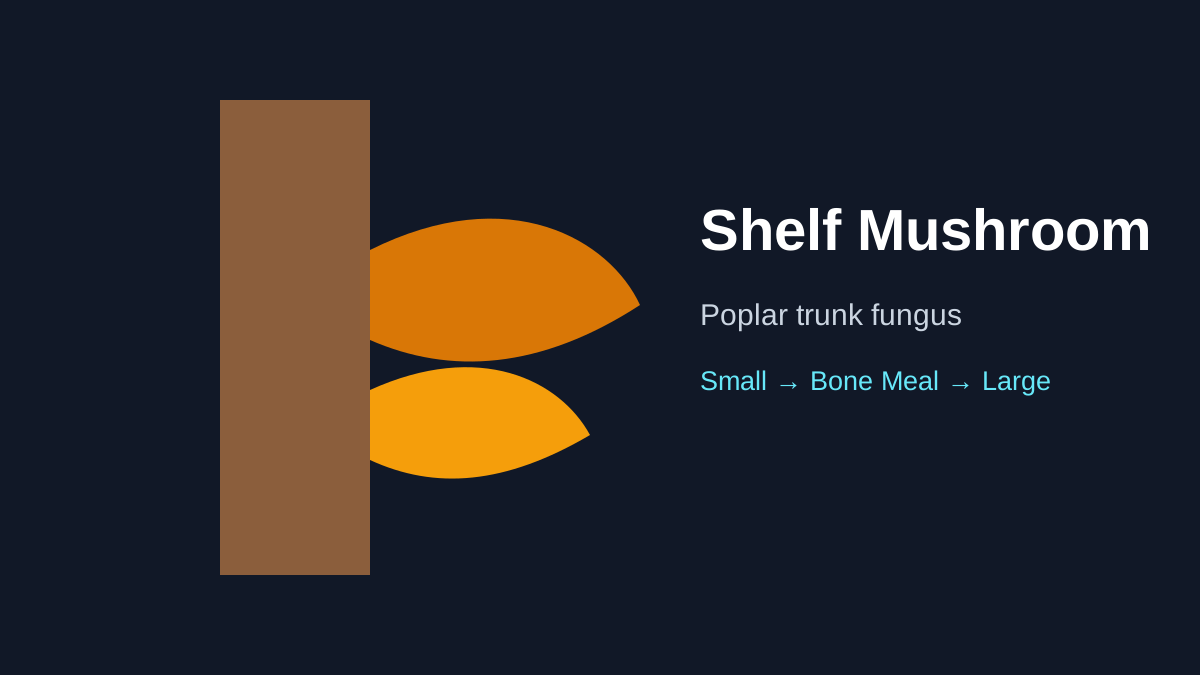
Mojang documents two sizes: small and large. A small Shelf Mushroom can be grown into a large Shelf Mushroom using Bone Meal. Breaking a large Shelf Mushroom drops two Shelf Mushroom items.
That creates a straightforward multiplication mechanic. Instead of treating every natural mushroom as a one-time collectible, you can use Bone Meal to increase its form and obtain additional items.
How to grow Shelf Mushrooms
The released mechanic is simple: use Bone Meal on a small Shelf Mushroom to grow it into the large form. Normal placement still needs to follow the current block's valid placement rules; use the stable build rather than an old snapshot when a precise placement edge case matters.
For a practical collection, bring Bone Meal when visiting the Dappled Forest. You can test growth in place and learn the block's orientation before moving your supply to a custom build.
What does a large Shelf Mushroom drop?
Mojang says a large Shelf Mushroom drops two Shelf Mushroom items when broken. This makes Bone Meal useful for increasing your item supply.
If you are farming for decoration, compare the Bone Meal cost with how many mushrooms you need. A few natural finds may be enough for a small cabin, while a large fantasy forest could justify a dedicated propagation area.
Can Shelf Mushrooms be used in food?
Yes. Mojang says Shelf Mushrooms can be used like other mushrooms to make Stews. The important player takeaway is that the block participates in the mushroom food ecosystem rather than being decorative only.
For a specific stew recipe or tag-dependent build, use the current stable in-game recipe book and data. Snapshot 1's mushroom-tag change is useful development history, while the final Java 26.3 and Bedrock 26.50 notes confirm that Shelf Mushrooms can be used like other mushrooms to make stews.
Wandering Trader source
Shelf Mushrooms can also appear in Wandering Trader trades. That gives players a second acquisition method and can be useful if the nearest Dappled Forest is extremely far away.
As with Poplar Saplings, trader inventory is not an on-demand guarantee. The natural biome remains the most direct way to collect several related Wilderness Bound resources in one expedition.
The bouncy behavior
Shelf Mushrooms have slight bounciness when stepped on, similar to Beds, and Mojang added a bouncing sound when a living entity bounces on one. This is a small mechanical detail, but it gives the block more personality than a flat decorative texture.
Do not confuse “slight bounciness” with the much stronger behavior of Slime Blocks. Test fall behavior before using Shelf Mushrooms in a parkour build where exact bounce physics matter.
Early Snapshot 2 fixes
Snapshot 2 fixed visual and collision issues involving Shelf Mushrooms, including their hotbar model, collision box, breaking particles and item model. This is useful historical context: early Snapshot 1 footage may show awkward shapes or item presentation that no longer matches later 26.3 builds.
When a block is new, bug-fix history is part of accurate documentation. The intended core mechanics remained, while presentation and collision were refined.
Best building uses
Shelf Mushrooms fit naturally on:
- Poplar trunks in custom autumn forests;
- fallen-log details;
- old cabins and woodland ruins;
- Abandoned Camp restorations;
- fantasy alchemy gardens;
- shaded paths where their trunk-mounted shape adds depth.
Because they come in small and large forms, you can vary scale instead of repeating the same detail everywhere.
Can you move the Dappled Forest look to your base?
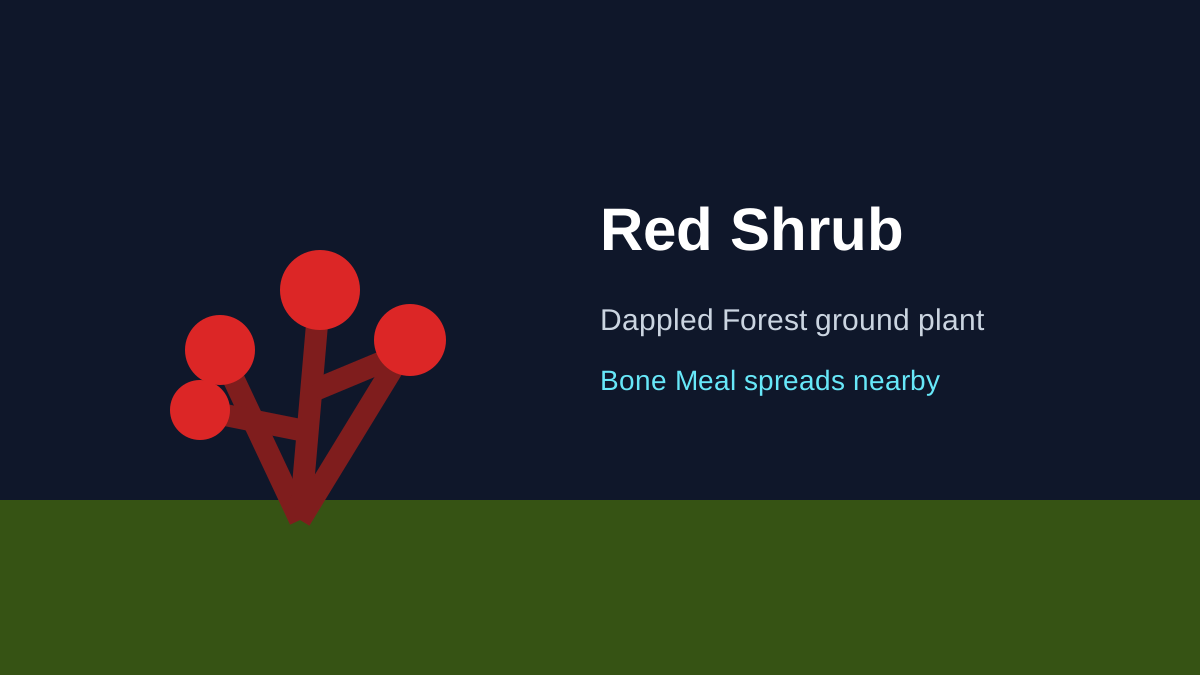
Yes. A strong approach is to bring home Poplar Saplings, Shelf Mushrooms and Red Shrubs during the same expedition. Grow Poplar trees near your base, place Shelf Mushrooms as trunk detail and spread Red Shrubs with Bone Meal.
That combination recreates much of the biome's identity without transporting enormous quantities of natural terrain blocks.
Is the Shelf Mushroom renewable?
The Bone Meal growth and two-item large-form drop provide a repeatable multiplication route once you have starter mushrooms and Bone Meal. Wandering Trader access provides another source. These core mechanics are confirmed in the final Java 26.3 and Bedrock 26.50 release notes.
Java vs Bedrock considerations
Shelf Mushrooms shipped in Java 26.3 and Bedrock 26.50 with the same core growth, drop, stew, trader and bounciness behavior. Exact placement bugs, model fixes or tags can still differ by edition or later patch, so match edition and version when a tutorial depends on a precise interaction.
At a glance
Find Shelf Mushrooms on standing and fallen Poplar trees in a Dappled Forest. Use Bone Meal on a small Shelf Mushroom to grow the large form; breaking the large form yields two items. The mushroom can be used in stews, may appear in Wandering Trader trades and has mild bounce behavior when stepped on.
For the surrounding ecosystem, see Dappled Forest and Poplar Tree Guide.