To find an Abandoned Camp in Minecraft 26.3, search the surface of one of the biomes Mojang has marked as eligible for the structure. Camps are not restricted to the new Dappled Forest; the official list spans meadows, forests, taigas, jungles, swamps, savannas, badlands and the Pale Garden. Because each supported biome has its own camp variant, learning the eligible-biome list is more useful than searching for one universal structure shape.
There is no official rule saying every eligible biome must contain a camp. The correct strategy is therefore to cover new surface terrain efficiently, prioritize biomes where visibility is good, and treat a missing camp as normal structure-generation variance rather than proof that your world is broken.
Fastest way to find an Abandoned Camp
Search eligible surface biomes rather than wandering every biome equally. Abandoned Camps have 18 biome variants, so your best strategy is to move through several supported biomes and scan open terrain for the camp structure rather than treating any one biome as guaranteed.
Use Every Abandoned Camp Biome as your search checklist. After finding a camp, inspect its loot and containers and learn which Explorer Maps can continue the route to other structures or camp variants.
First, make sure your version includes Abandoned Camps
Abandoned Camps are part of the released Wilderness Bound feature set. Java Edition 26.3 and Bedrock Edition 26.50 both include the structure and the same 18 eligible biome categories. If your version predates those releases, the structure will not generate in newly explored terrain.
For normal play, Java 26.3 / Bedrock 26.50 or later are the stable baseline. If you intentionally load an old snapshot or pre-release for comparison, keep it in a separate test world because development builds can behave differently.
Search only eligible biomes
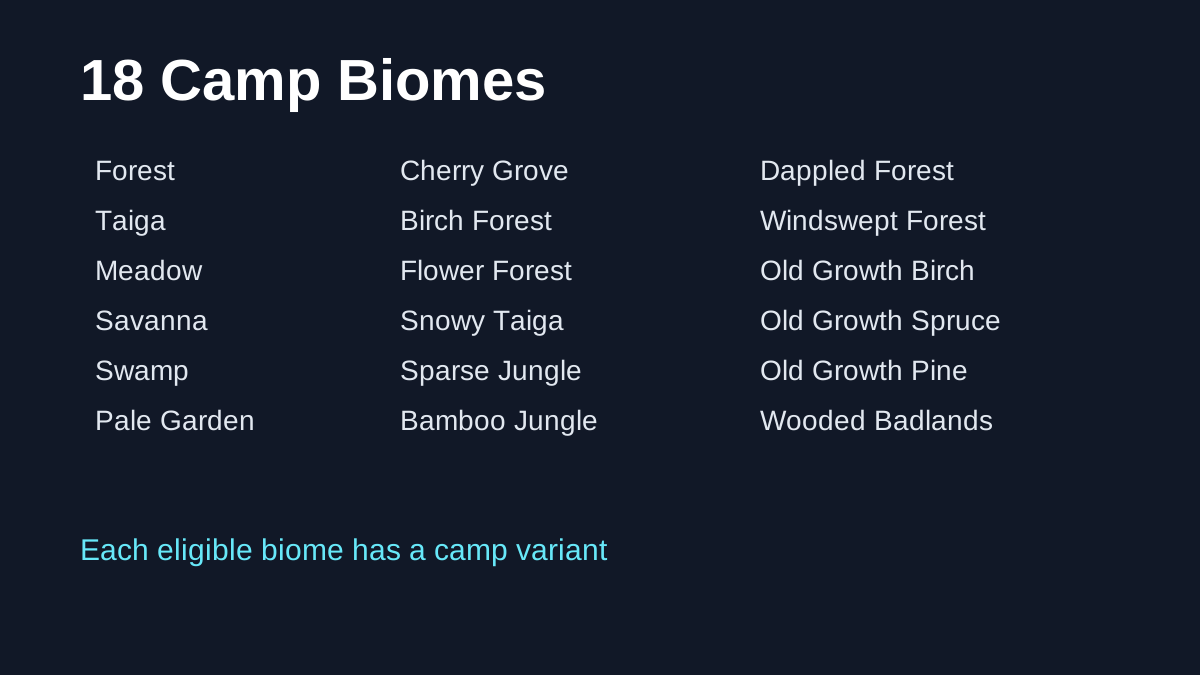
The official Java list includes:
- Meadow;
- Cherry Grove;
- Forest;
- Birch Forest;
- Old Growth Birch Forest;
- Flower Forest;
- Windswept Forest;
- Dappled Forest;
- Taiga;
- Snowy Taiga;
- Old Growth Spruce Taiga;
- Old Growth Pine Taiga;
- Sparse Jungle;
- Bamboo Jungle;
- Swamp;
- Savanna;
- Wooded Badlands;
- Pale Garden.
That is a broad list, so you do not need to find a Dappled Forest before searching for a camp. If your world has a large savanna, birch forest or taiga near spawn, those can be valid search targets too.
For a cleaner reference with the biome names grouped by environment, use Every Abandoned Camp Biome.
Use visibility to your advantage
Abandoned Camps are surface structures. Open or lightly wooded terrain makes scanning easier than dense vegetation. When choosing between two eligible biomes, the one with better sight lines can be faster to search even if both have equal theoretical eligibility.
High ground helps. Climb ridges, hills or tall trees to scan nearby chunks, then travel along biome edges where several eligible regions may meet. Increasing render distance can also help if your computer can maintain acceptable performance.
In dense jungle, taiga or swamp terrain, move in a systematic grid or follow natural openings rather than wandering randomly. Save coordinates for areas you already checked so you do not repeat the same search path.
What visual clues identify a camp?
The exact design changes by biome. Mojang intentionally created variants that fit their environment, and Snapshot 6 added or refined campsite variants across the supported biomes. You should therefore look for the concept of a small built campsite rather than one specific block palette.
Recurring structure pieces can appear across variants, while local materials help the camp blend into its biome. When you find a suspicious build, search for containers and deliberate campsite construction rather than assuming every pile of blocks is a camp.
Is a camp guaranteed in a Dappled Forest?
No. The Dappled Forest has its own Abandoned Camp variant, but the biome and structure are separate generation systems. You can find a Dappled Forest without a camp and a camp without ever seeing a Dappled Forest.
The Dappled Forest is still a good target because its colorful Poplar canopy is easy to identify and the camp variant is closely associated with Wilderness Bound marketing. If you want that specific version, first locate the biome with How to Find a Dappled Forest and then sweep the surface inside it.
Can Explorer Maps help you find another camp?
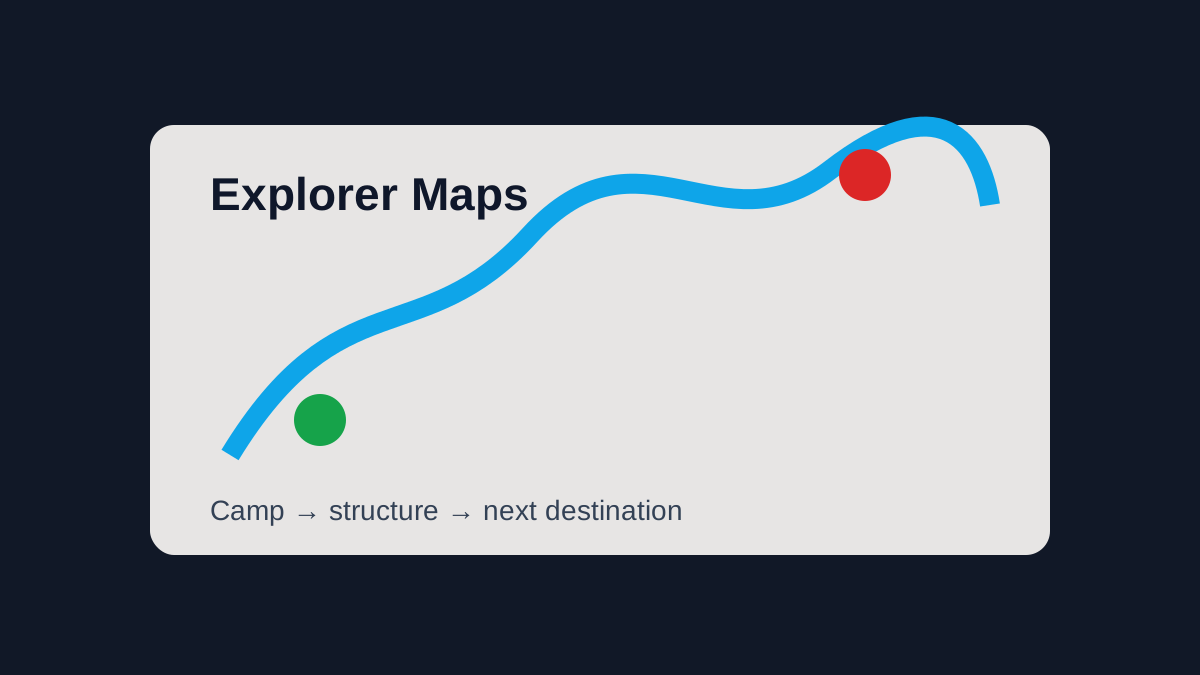
Yes. Snapshot 7 added Explorer Maps to Abandoned Camps, and some of those maps point to other Abandoned Camp variants in selected biomes. That creates a useful snowball effect: your first camp can make the second one easier to locate.
The camp-map destinations documented in Snapshot 7 include Bamboo Jungle, Cherry Grove, Birch Forest, Dappled Forest, Flower Forest, Pale Garden, Swamp and Windswept Forest.
This does not solve the first-camp problem, but once you find one, check every relevant container before leaving. A map may turn an otherwise random search into a directed expedition.
Should you use commands or seed tools?
For testing and research, commands can save time. For normal survival, they are optional. Online seed viewers are also useful only if they support the exact world-generation version you are playing. Third-party tools can lag behind current structure-placement rules after updates, so confirm explicit version support.
If a seed website claims a camp should be at a coordinate but you find nothing, confirm all of the following before assuming a bug:
- Java or Bedrock edition;
- exact game version;
- world seed;
- whether the chunks were generated before updating;
- whether the external tool actually supports 26.3/Drop 3 generation.
What about old worlds?
Already-generated chunks normally keep their existing terrain and structures, while newly generated chunks use the newer version's rules. If you upgrade an old survival world, you may need to travel beyond your previously explored region before Wilderness Bound structures can appear.
This is one reason players sometimes report “no camps in my world” after an update. The issue may be that the nearby eligible biomes were generated months earlier.
If you deliberately test an old pre-release, make a copy before exploring new terrain in a valuable world. Stable 26.3/26.50 players can follow normal backup practice.
How large an area should you search?
Mojang has not published a simple “one camp every X chunks” rule for players. Avoid sites that present an exact universal rarity number without a source. Structure placement depends on world generation, and practical results vary by seed.
A better metric is how much new eligible terrain you have scanned. Searching 3,000 blocks through ocean or desert does not help if those regions are not on the official camp list. Searching several different eligible biomes gives you more useful coverage.
What should you do when you find one?
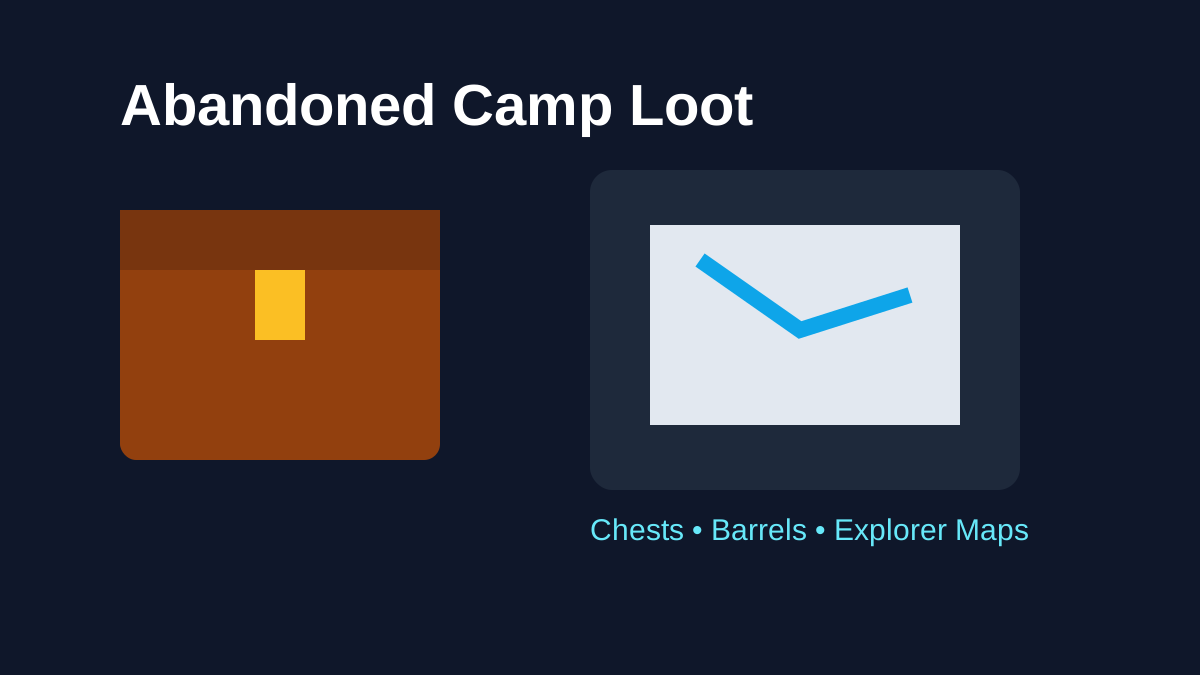
Save the coordinates before looting. Then inspect the whole camp so you do not miss a barrel or chest. Snapshot 7 expanded camp loot and map behavior, so containers can be more valuable than the campsite's decorative blocks.
A sensible first-visit sequence is:
- mark coordinates;
- identify the biome variant;
- search chests and barrels;
- look for Explorer Maps;
- light the area if night is approaching;
- decide whether to preserve the structure as a travel waypoint.
If you obtain a map, unload valuable loot before following it on a long trip.
Java vs Bedrock location reports
Abandoned Camps shipped in Java 26.3 and Bedrock 26.50 with the same eligible biome list, but structure seeds and edition-specific bugs should not be assumed identical. When you use a Reddit post, video or seed recommendation, match the edition and version before copying coordinates.
This remains important after release because Java and Bedrock can place terrain and structures differently even when both editions contain the same Wilderness Bound feature.
Fastest survival-friendly search plan
For most players, the efficient route is simple: confirm you are on a supported build, identify the nearest eligible biome, scan surface terrain from high points, move to a second eligible biome if the first is small or already fully searched, and keep coordinates of completed search zones.
Once you locate a camp, continue with Abandoned Camp Loot & Containers so you know which items and maps deserve attention.