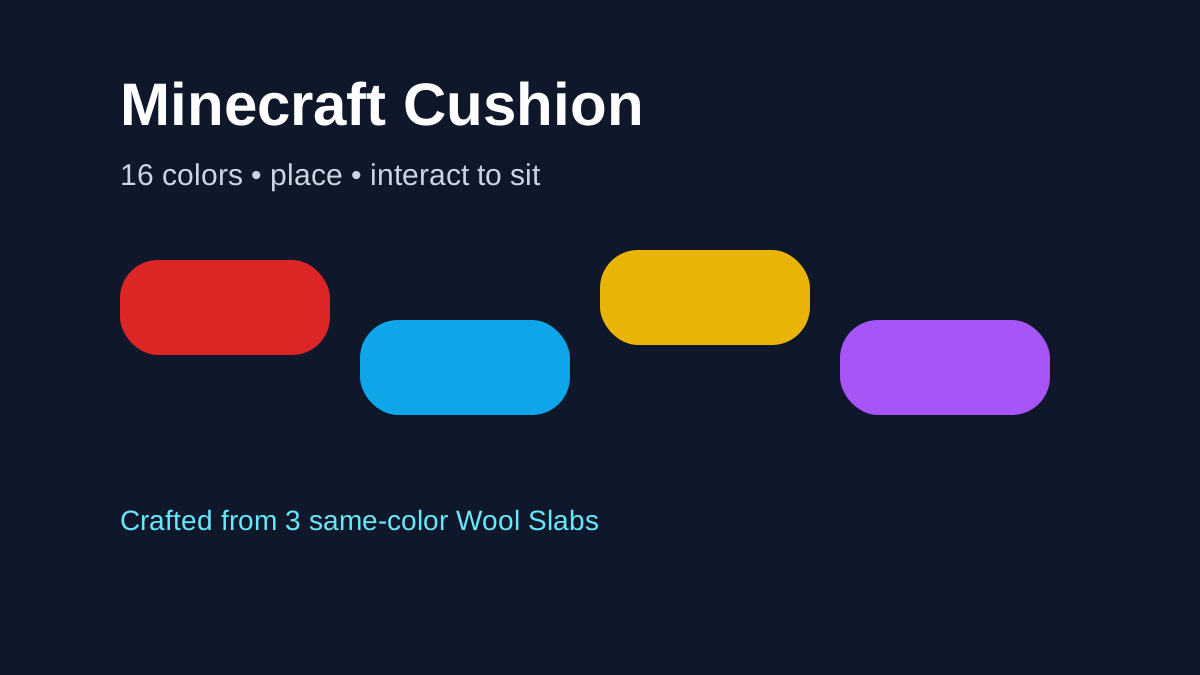
The Cushion is Minecraft 26.3's dedicated sit-able decoration: place it in the world, interact with it, and your player can sit. It comes in all 16 wool colors and is crafted from 3 Wool Slabs of the same color. The feature sounds simple, but its placement rules and later snapshot changes make it much more flexible than a basic full-block chair.
Cushions are one of the clearest examples of Wilderness Bound combining decorative building with an actual player interaction. They fit campsites, sofas, benches, window seats and custom furniture while giving vanilla players an official way to sit without relying on minecarts, boats or command tricks.
Cushion quick answers
Recipe: craft a Cushion from 3 Wool Slabs of the same color.
How many colors? There are 16 colored variants.
What does it do? Place it on a valid flat surface and interact with it to sit.
Can it overlap blocks? Cushions have no collision and can overlap other objects except other Cushions, while still depending on their supporting surface.
The required crafting material is covered in Wool Stairs and Slabs. For the matching camping item, see the Straw Bed and Abandoned Camp guides.
Cushion recipe
The final Java 26.3 recipe uses:
- 3 Wool Slabs of the same color;
- producing a Cushion matching that color.
Because Wool Slabs are themselves new in 26.3, the Cushion directly connects two additions from the same game drop. You need matching-color slabs; mixing colors is not the intended recipe.
How many colors are there?
Cushions support the standard 16 Minecraft wool colors. That makes them easy to integrate into existing color-coded builds rather than forcing one special campsite color.
You can use neutral shades for realistic furniture, bright colors for children's rooms or minigames, and autumn shades around a Dappled Forest or restored Abandoned Camp.
How do you sit on a Cushion?
Place the Cushion on a valid surface and interact with it. The player sits on the Cushion until normal dismount behavior occurs.
The feature is an actual seat interaction rather than a visual illusion made from a stair block. That is valuable for roleplay servers, screenshots, social spaces and compact furniture where a minecart would be intrusive.
Stable Cushion placement rules
The final Java 26.3 release confirms these important placement properties:
- they can be placed on flat surfaces;
- they align horizontally to the grid;
- vertically, they sit on top of the supporting surface;
- they do not have normal collision and can overlap with other objects except other Cushions;
- they cannot be moved by pistons;
- they break if the supporting block is removed.
These rules allow surprisingly flexible seating designs, including placement on partial-height surfaces where the Cushion visually rests at the correct elevation.
Snapshot 8 changed destruction behavior
Do not rely only on the initial Snapshot 3 rules. By Snapshot 8, Mojang changed Cushions so they are only destroyed when fully covered by blocks that cause suffocation. This was a significant building improvement because it reduced cases where surrounding block updates destroyed carefully placed seating.
That later change is why this article uses a verification date. Cushion placement received active iteration after introduction.
Vibration behavior also changed
Snapshot 7 states that Cushions no longer prevent vibrations when placed, broken or interacted with. Wool itself is famous for vibration-dampening uses around sculk systems, so players could easily assume a wool-derived Cushion behaves the same way.
For technical sculk builds, do not treat the Cushion as a substitute for ordinary Wool blocks unless the current build explicitly supports the behavior you need.
Building a sofa with Cushions
One of the most obvious uses is a custom sofa. Create a frame from slabs, stairs or trapdoors, then place Cushions where players should sit. Wool and Concrete stairs/slabs added in the same update provide even more shape options.
A simple design workflow is:
- choose Cushion color;
- build the furniture frame at a comfortable seat height;
- test Cushion placement on the surface;
- interact to confirm the sitting position;
- add armrests, backrest and surrounding decoration;
- test for accidental suffocation blocks before enclosing the seat.
Campsite seating
Cushions are thematically perfect around campfires and Abandoned Camps. They let a restored campsite function as a social space rather than a static ruin. Combine them with Straw Beds for a complete temporary-camp theme: Cushions for sitting, Straw Beds for one-night sleep that preserves home spawn.
The two items were intentionally introduced together in Snapshot 3.
Can Cushions overlap other objects?
The original placement rules say Cushions do not have collision and can overlap with objects other than another Cushion. That is one reason furniture builders can create arrangements that would be difficult with full solid blocks.
However, Snapshot 8's suffocation-cover rule still matters. If a Cushion becomes fully covered by blocks that cause suffocation, it can be destroyed. Test complex hidden-seat designs in the exact game version you plan to use.
Do Cushions replace stairs as chairs?
For functional sitting, Cushions are a major upgrade because the player can actually interact to sit. Stairs remain useful for chair silhouettes, backrests and structural shapes. The strongest builds often combine both: a stair or slab frame provides form while a Cushion provides the seating interaction.
Concrete stairs/slabs are especially useful for modern furniture; Wool stairs/slabs create softer-looking frames.
Can Cushions be used in sculk builds?
Be cautious. Snapshot 7 explicitly changed Cushion vibration behavior so placing, breaking or interacting with them no longer receives the earlier vibration-prevention treatment. Snapshot 8 also fixed a case involving Cushion actions and sculk shriekers.
If your redstone or sculk machine depends on exact vibration propagation, reproduce the design in the current stable version before committing it to a survival build.
Java and Bedrock
Cushions shipped in Java 26.3 and Bedrock 26.50. The main recipe, 16-color set and sitting interaction are released features on both editions, but platform-specific bugs can still differ.
A notable post-release example is Bedrock 26.52, released September 25. Mojang fixed a bug where Cushions in unloaded chunks could disappear after the chunk reloaded. If an older Bedrock 26.50/26.51 world showed that behavior, update before treating disappearing seating as intended.
For complex furniture or redstone/sculk behavior, still record edition and version when troubleshooting.
Common questions
Can you sit on it? Yes. Sitting is the core interaction.
How many colors? All 16 wool colors.
What is the recipe? Three same-color Wool Slabs.
Does it have normal block collision? Mojang introduced it without normal collision, allowing overlap with many objects.
Does it dampen sculk vibrations like wool? Do not assume so; Snapshot 7 specifically changed Cushion vibration behavior.
At a glance
Craft a Cushion from 3 matching Wool Slabs, place it on a suitable surface and interact with it to sit. Choose from all 16 wool colors. For current builds, use the stable placement and vibration rules above; on Bedrock, 26.52 also fixes Cushions disappearing after an unloaded chunk reloads.
For its main crafting material, continue with Minecraft Wool Stairs & Slabs. For matching travel furniture, see Straw Bed Recipe & Uses.